Blog
Print Custom Cards for Your eBay Store
Turn an eBay card listing into a repeatable printing brief, with clear editions, personalisation choices, artwork files and an agreed order handoff.
TCGPrintery4 min read
A custom card product for an eBay store needs a clear connection between the listing, the artwork and the physical item you deliver. TCGPrintery can print your own card designs, while you define the product and manage the customer-facing offer. Start with a specification you can follow for every order.
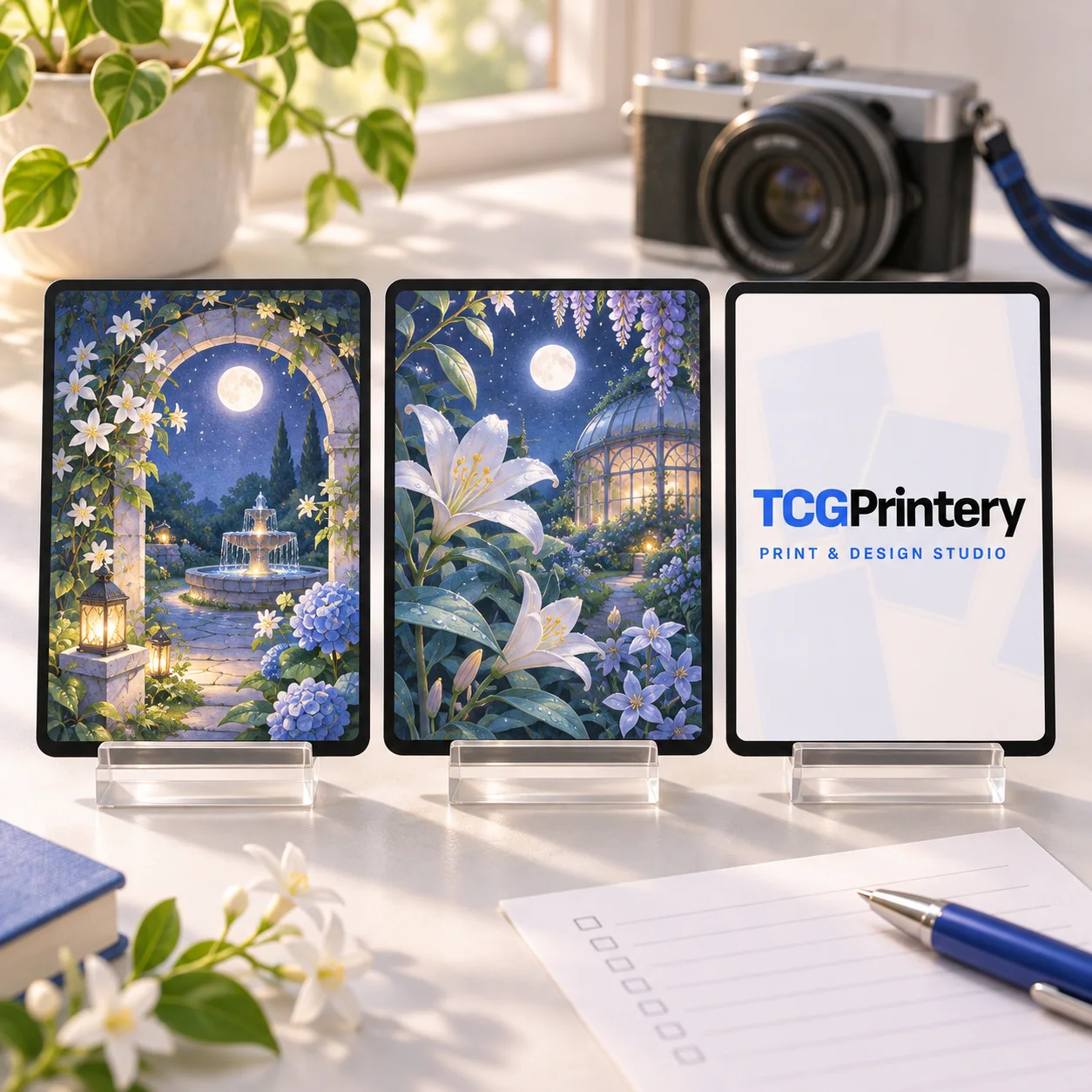
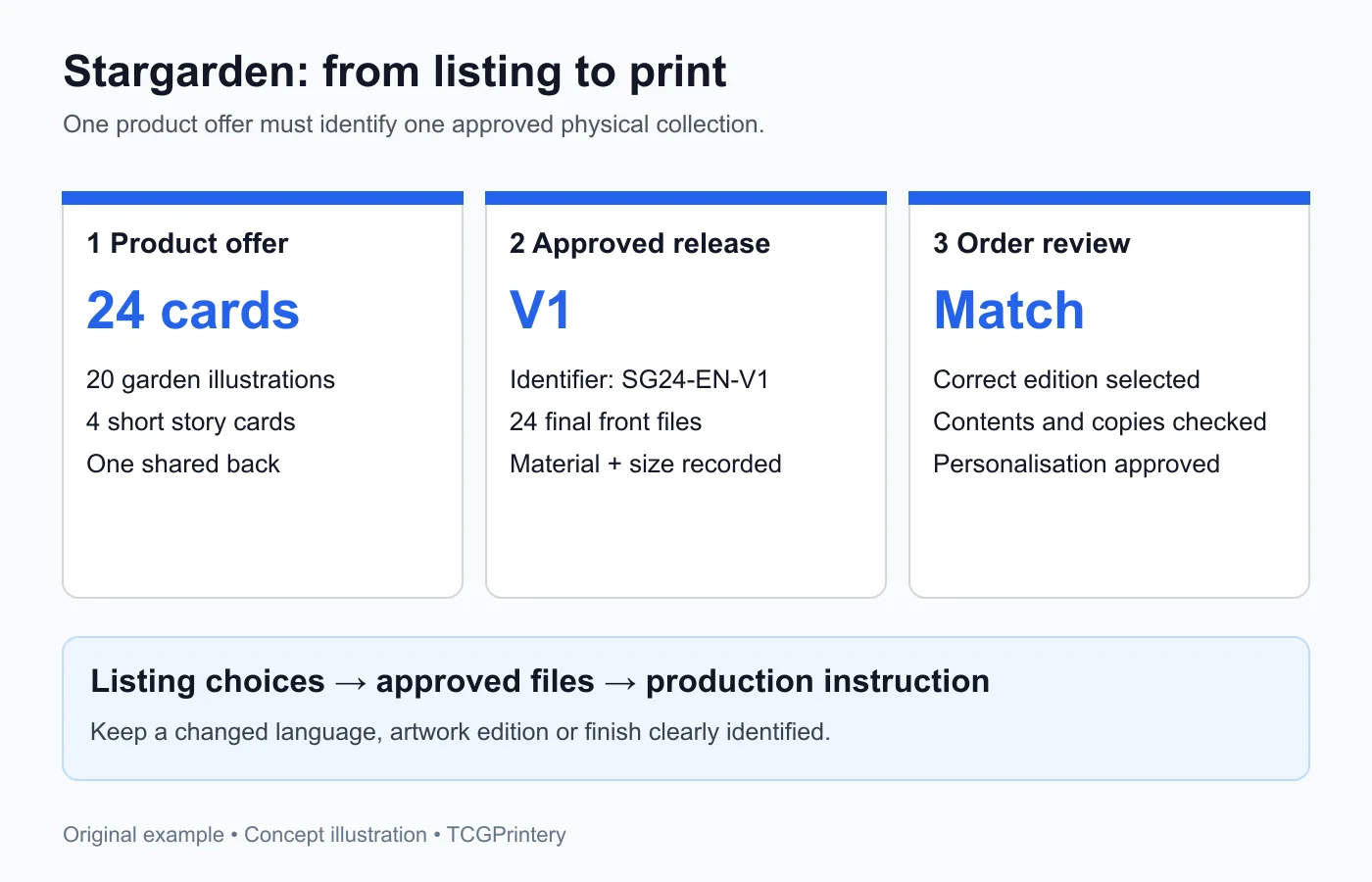
Use Stargarden, an original 24-card illustrated collection, as an example. It contains twenty garden scenes and four short story cards. Its first edition has one shared back and a fixed contents list, making it possible to explain exactly what the buyer receives.
Define the item before writing the listing
Decide whether the sale is for one card, a complete collection or a personalised version. These are different products and need different descriptions. For Stargarden, the offer is one complete 24-card set with the same designs and material in every copy.
Record the finished size, language, card count and edition. State which packaging or extras you will provide once those arrangements are confirmed. If the listing photographs show a display stand or props, make the actual included contents clear. Keep the description close to the item you can prepare reliably.
Match listing choices to approved files
Give the release an internal identifier, such as SG24-EN-V1. Link that identifier to the approved export folder, the twenty-four fronts, shared back and selected stock. The identifier helps you find the correct print files after a sale or a later revision.
If you add a second edition, record what changes. A different illustration, language or finish should lead to an equally specific production instruction. Keep old and new exports separate so a customer who selected one version does not receive a mixture. An organised file system supports the handoff regardless of how orders reach production.
Photograph the product you intend to sell
Order a representative sample and use your own photographs to show its appearance. Include the front, back and enough detail to understand the printed text and material. A picture of one attractive card alone does not explain a twenty-four-card collection.
Show the full contents in one view, then add detail views where they help. For Stargarden, a grid of the garden scenes explains the collection, while a close-up of a story card demonstrates the text size. Describe illustrations and mockups accurately when you use them alongside real product photographs.
Make personalisation a defined task
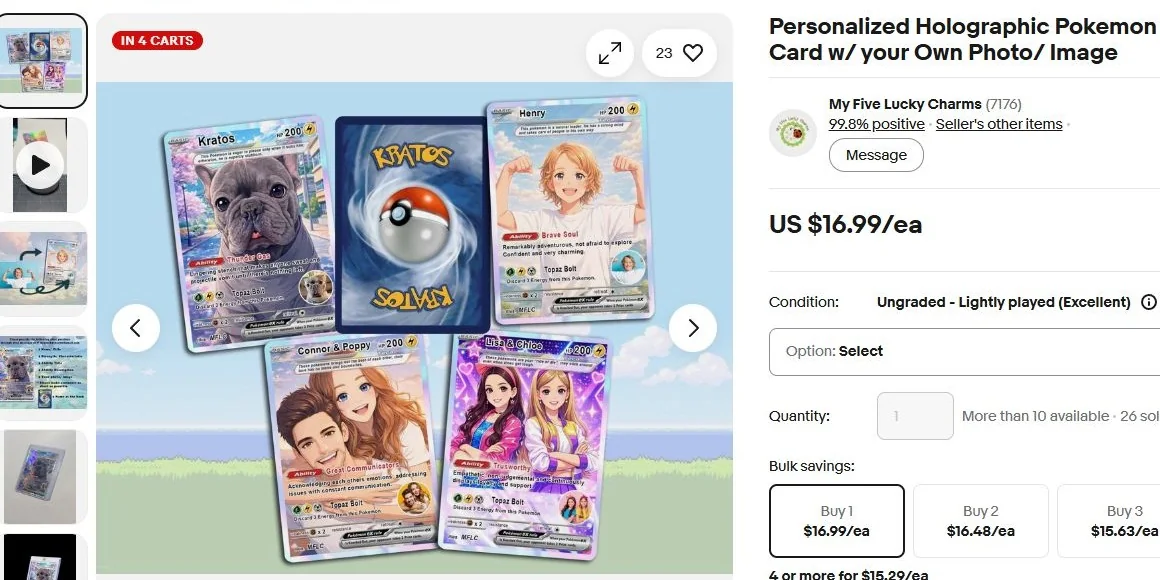
If a later version allows a name or dedication, decide exactly where that information appears and how much text fits. Prepare one long-name example before offering the option. Keep a clean master layout so details from an earlier order do not remain in the next export.
Explain what the buyer needs to supply and whether they will approve a proof. Keep the approved wording with the order reference, then check spelling and orientation again in the final print file. Personalisation changes your preparation time as well as the card artwork, so include it in your process planning.
Review the printing configuration
Choose the card format before exporting. Standard is 63 × 88 mm, Japanese is 59 × 86 mm and Tarot is 70 × 120 mm. Use the file guide for bleed and safe areas, then compare the materials on the quality page.
Inspect the entire set after import: all twenty-four fronts, the shared back and the required copies. Check the calculated printing total and delivery details before ordering. Your selling budget also needs to account for artwork work, packaging you arrange, shipping and the current fees for your selling account.
Agree how repeat orders reach production
For ongoing sales, discuss the printing partnership with a concrete example of the product and an order. Explain where the approved files live, who checks personalisation and what information must accompany each request.
Confirm the responsibilities and process before promising a particular delivery workflow to buyers. A clearly described product, matching approved files and a practical handoff form the basis for a dependable card offer in your eBay store.