Free downloads
Free trading card templates with bleed
Download a free card template for Standard (63 × 88 mm), Japanese (59 × 86 mm) or Tarot (70 × 120 mm) size. Each template is a PNG at 300 dpi that shows the 3 mm bleed, the trim line and the safe area, so you can design your cards at exactly the size we print.
Download a template
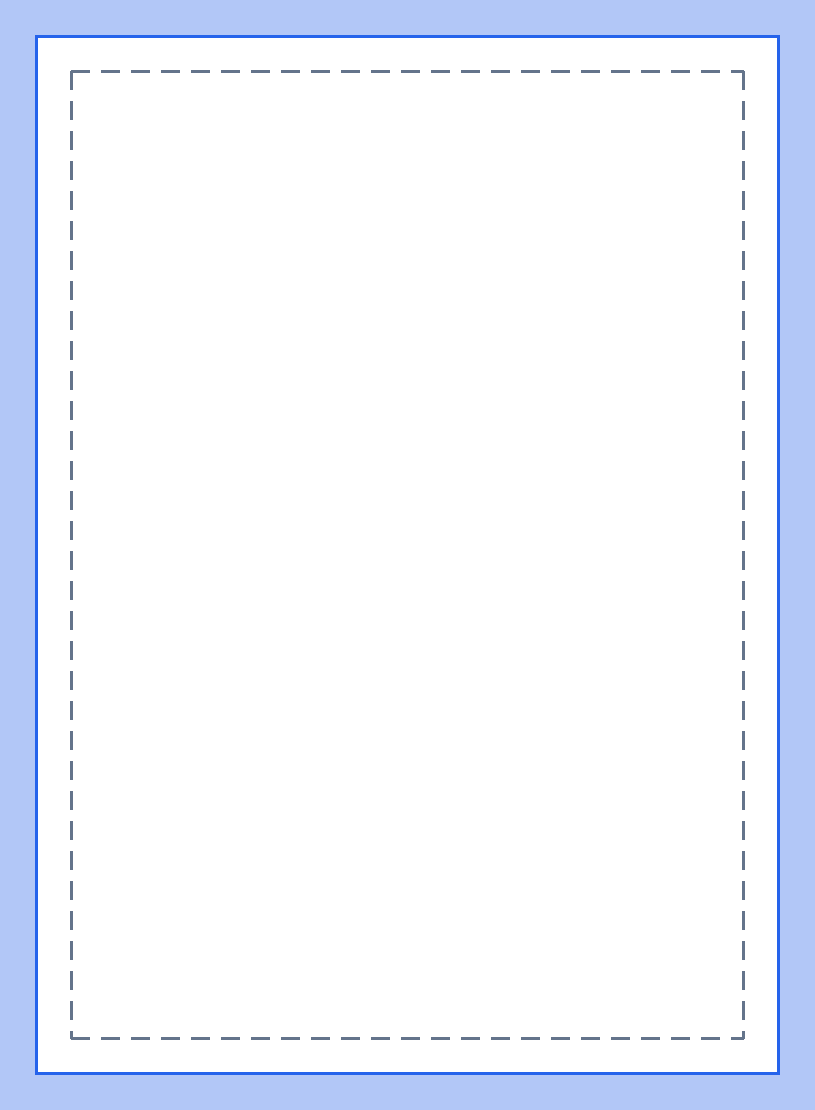 Standard Size63 × 88 mm, PNG, 815 × 1110 pixelsDownload the Standard Size template
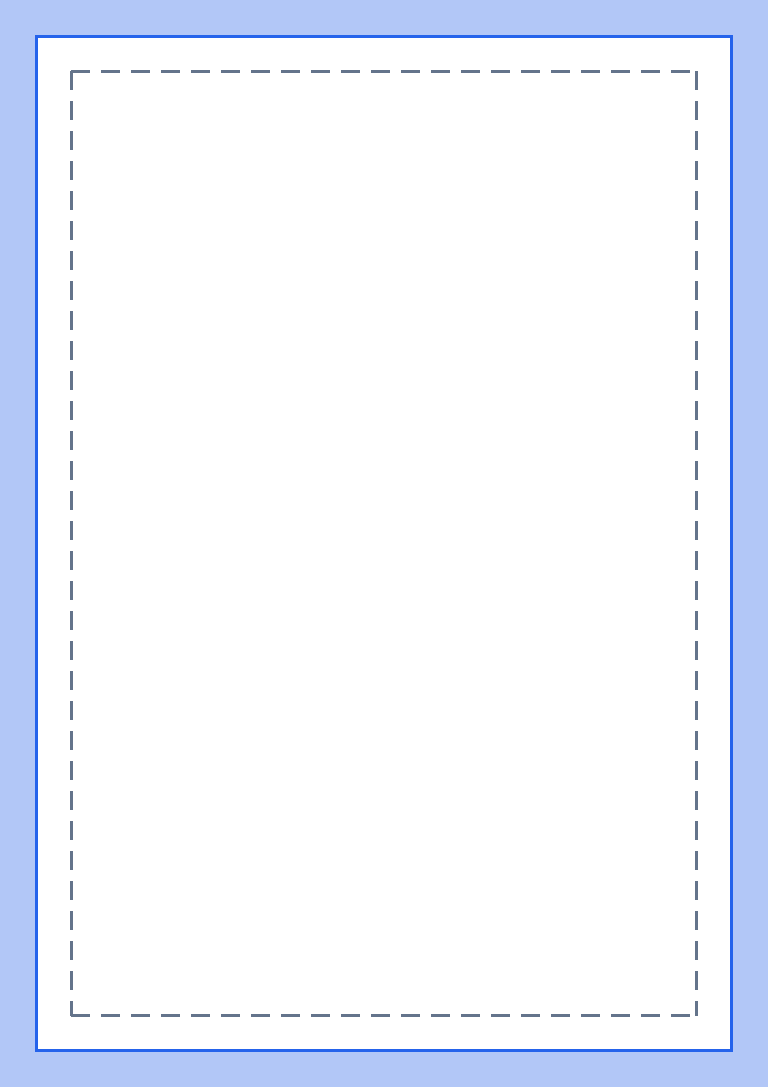 Japanese Size59 × 86 mm, PNG, 768 × 1087 pixelsDownload the Japanese Size template
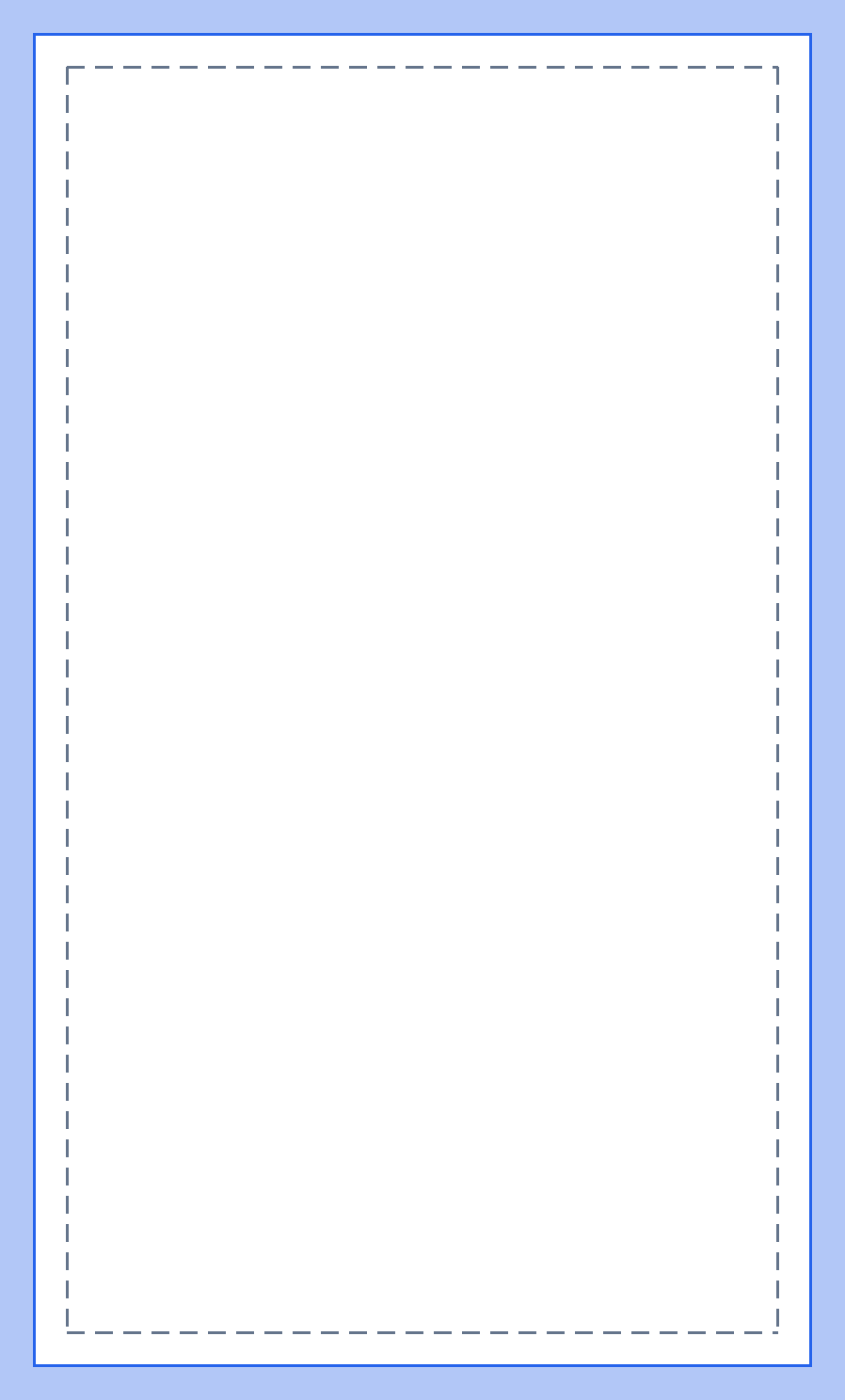 Tarot Size70 × 120 mm, PNG, 898 × 1488 pixelsDownload the Tarot Size template
What the template shows
- Blue band: the 3 mm bleed. Fill it with your background, it is cut off.
- Solid line: the trim line, where the card is cut.
- Dashed line: the safe area, 3 mm inside the trim. Keep text and important details inside it.
How to use a template
Open the template in your design software and put it on the top layer. Place your artwork underneath, let the background fill the blue bleed band and keep text inside the dashed safe area. Hide the template layer before you export.
Export each card side as a PNG or JPG at the template's size, or as a PDF page. Upload the files in the designer; it recognises the bleed and prints your cards as you designed them.
Designing without bleed
You can also design at the finished size, without the bleed band. The designer adds 3 mm of bleed around every card. Read our guide to print-ready files for the details.
Questions and answers
Can I use the templates for any project?
Yes. They are free to use for any card you design, printed with us or not.
Which software do the templates work with?
Any software that opens PNG files, such as Photoshop, Affinity, GIMP, Krita or Canva.
What size are the templates?
Each template is the card size plus 3 mm of bleed on every side, at 300 dpi. The standard template is 815 × 1110 pixels.
Ready to print?
Upload your finished cards and see the price per card before you order.