Blog
How to Print Custom TCG Cards
Prepare a custom TCG for print with a complete card inventory, deliberate fronts and backs, copy counts and a careful import review.
TCGPrintery4 min read
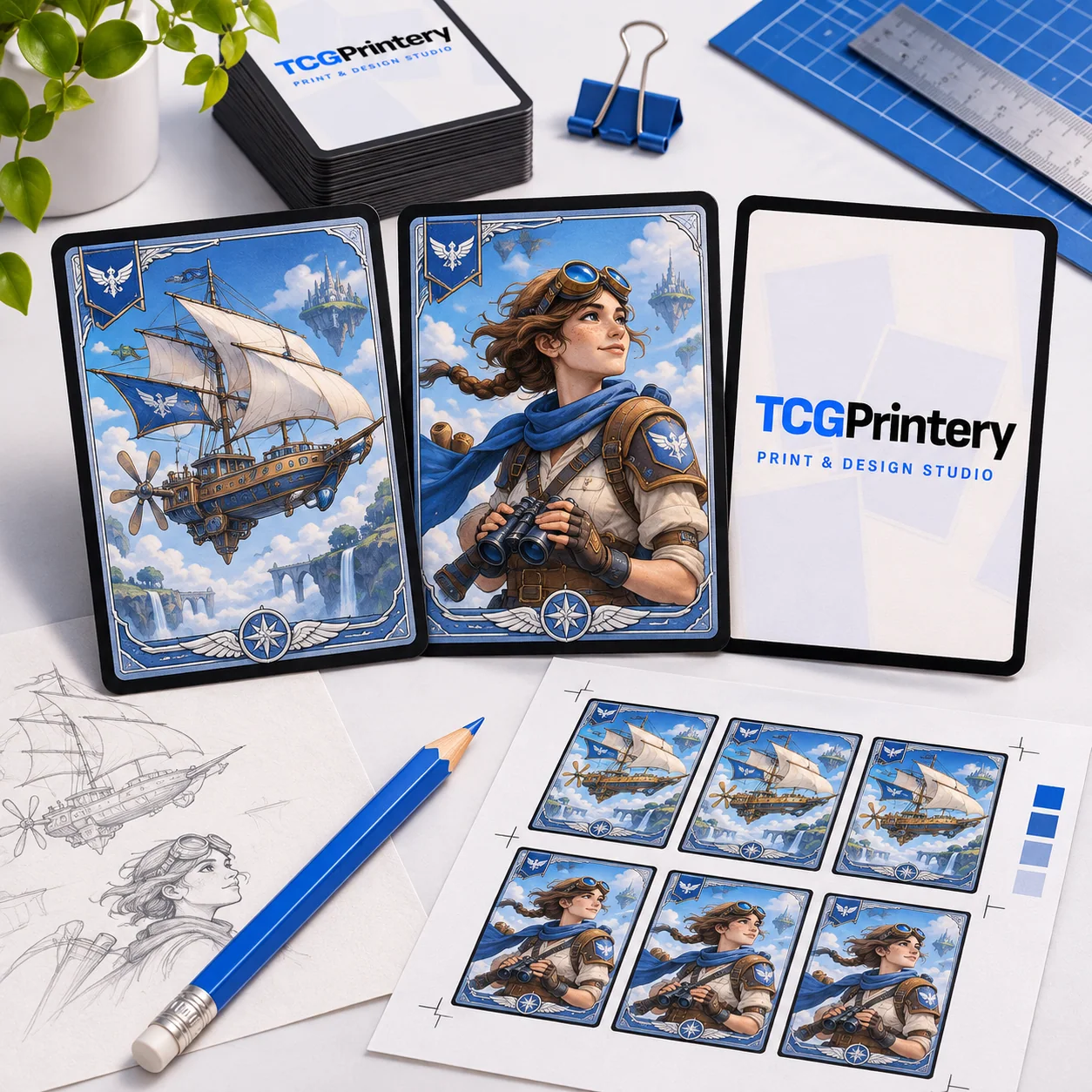
To print custom TCG cards, turn the game you have designed into a complete, checkable set of files. Choose the physical format, prepare the fronts and backs, set the copies and review the imported results. The order should describe the cards you actually want to hold, including repeated designs.
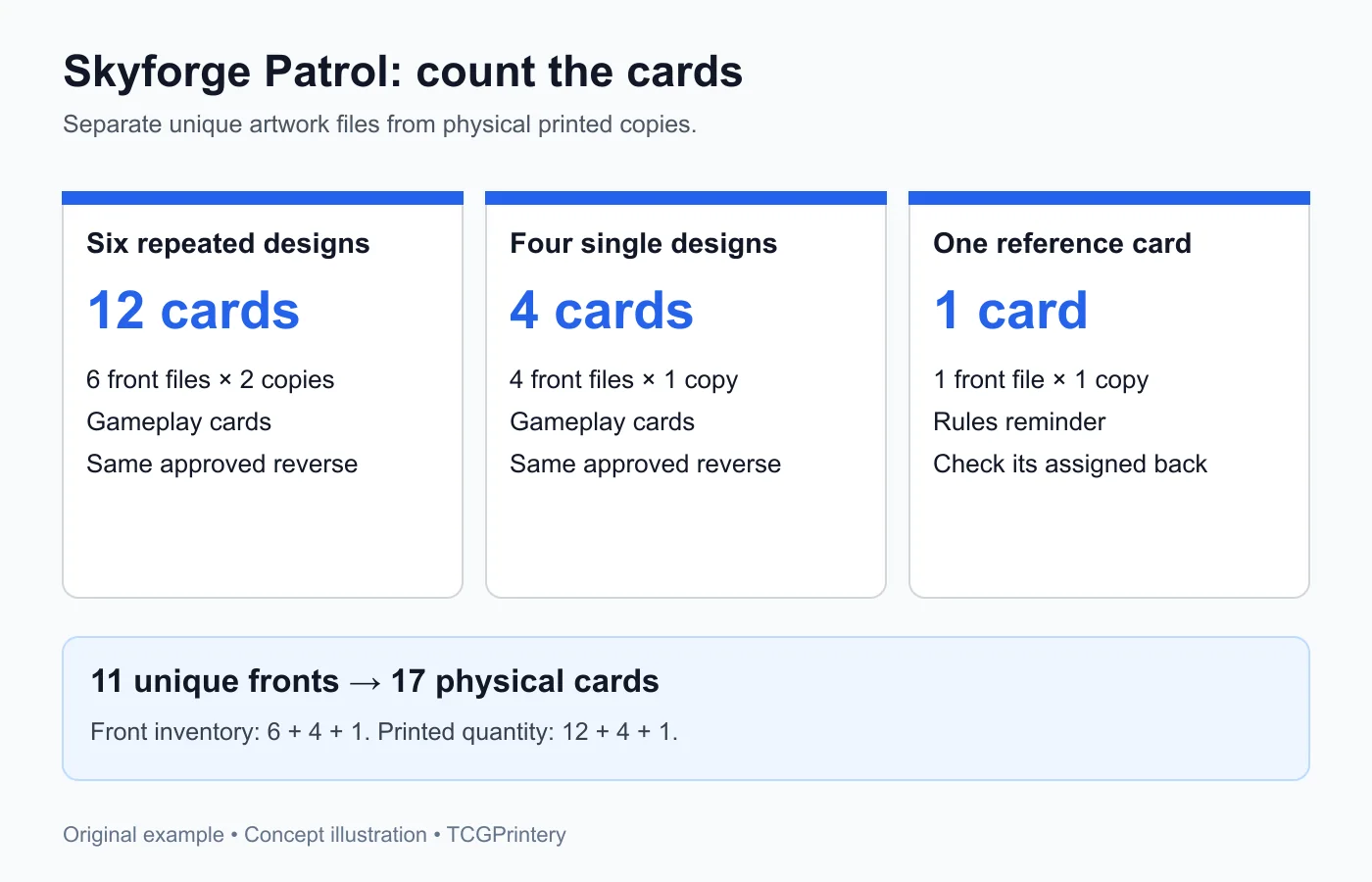
This guide follows Skyforge Patrol, an original fantasy prototype with ten unique fronts. Six designs are printed twice and four designs once, producing sixteen gameplay cards. One reference card brings the prototype to seventeen physical cards.
Build an inventory before exporting
Give the designs identifiers such as SP-01 through SP-10, then add SP-REF for the reference. Record the intended copies next to each identifier. A list of filenames alone cannot tell you whether a card should appear once or twice in the deck.
Keep the shared back outside the fronts folder. Skyforge Patrol therefore has eleven unique front files and one back file, but seventeen printed cards. These counts describe different things. Check them deliberately before uploading so the back is not accidentally treated as another gameplay card.
Choose the correct physical format
Skyforge Patrol uses Standard 63 × 88 mm cards. TCGPrintery also offers Japanese 59 × 86 mm and Tarot 70 × 120 mm. Choose the format that suits your game and storage before building the layout.
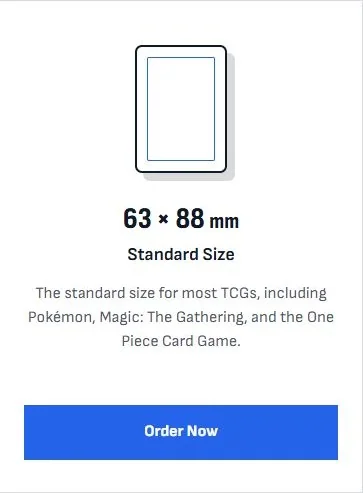
Keep the chosen dimensions consistent across the project. A card imported into a different aspect ratio may need cropping, which can move the focus away from the layout you intended. Check the longest rule and largest illustration within the actual card proportions.
Prepare clear fronts and a deliberate back
For Standard cards, the file guide lists 744 × 1039 pixels at 300 dpi, or 815 × 1110 pixels with 3 mm bleed. Keep text and values within the safe area and extend background artwork to the file edge. Use the matching template when you need guides.
The prototype has a shared back so cards cannot be identified by their design when face down. Check its orientation and avoid a detail that unintentionally reveals which way a card is held if your game depends on that information being hidden. Save front and back exports from the same approved version.
Import the files and set their copies
The designer accepts JPG, PNG, WebP and PDF artwork. Upload the front files for the chosen format, then assign the back. If you use a PDF, check the page count before import and ensure it contains the intended faces rather than a sheet layout you have not reviewed.
Set two copies for SP-01 through SP-06 and one copy for the remaining four designs and reference. Reconcile the visible total with the planned seventeen cards. Check a repeated card and a single-copy card separately so an incorrect default quantity does not go unnoticed.
Inspect the imported result
The designer adds bleed to finished-size artwork and recognises correctly prepared files that already include it. Inspect the crop and bleed view, particularly around small values and thin borders. A correct source file still deserves a check in the actual order preview.
Review every front/back pair and read the reference card against the current rules. Skyforge Patrol's reference should describe the version being tested, not an earlier draft. Select the material you want to assess and review the calculated price before adding the deck to the cart.
Keep the print version ready for feedback
Name the approved folder skyforge-patrol-v01 and keep its card list with the order details. When a later test changes SP-04, create a new export version and record the exact wording change. This makes a second sample easier to compare with the first.
Start with a quantity that fits the purpose of the prototype. The immediate goal is a complete set that can be reviewed and played, with files and copies you can trace. Expand the order once the design, rules and material are ready for that next step.